
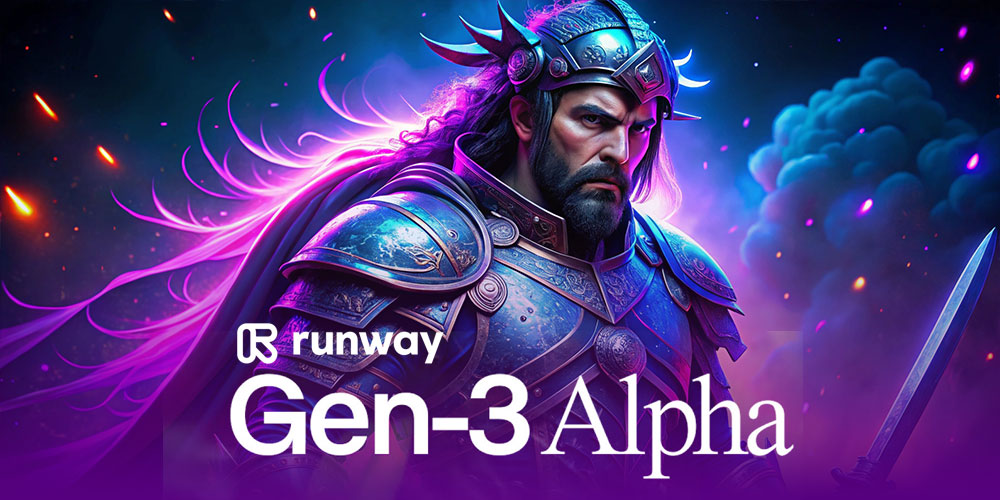
You can now turn a static image into a captivating video with just a prompt and a click. Introducing Image to Video in RunwayML’s new video model, Gen Z Alpha. Here’s how it works:
How It Works
- Upload Your Image:
- Select and Upload: Choose an image and upload it to RunwayML.
- Enter Your Prompt:
- Guide the Action: Provide a description or prompt to direct how the video should evolve from your image.
- Generate the Video:
- Create and Extend: Click the generate button, and Gen Z Alpha will use your image as the first frame, extending it into a dynamic video based on your prompt.
Why It’s Exciting
- Innovative Tool for Creators: Ideal for generating engaging B-roll and enhancing visual content.
- User-Friendly: Turn still images into videos quickly and easily.
- Versatile Applications: Perfect for filmmakers, content creators, and marketers.
Try out this new feature and explore how it can transform your creative projects. Check it out in the link in the comments!
